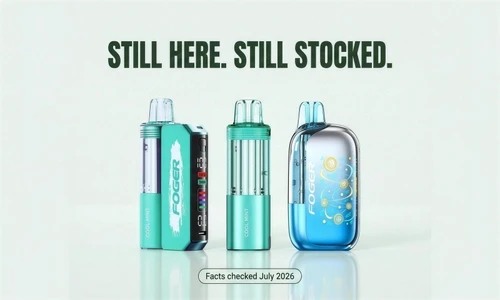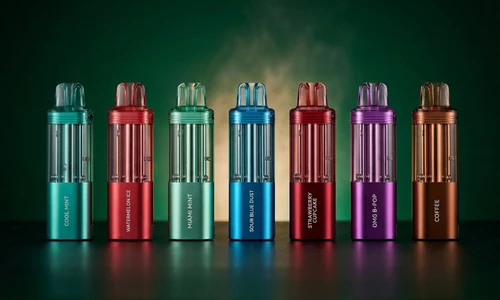
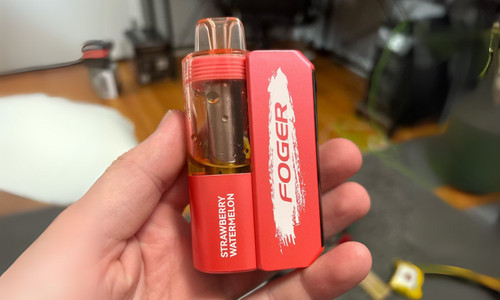
If you've been asking, "Why Is My Foger Vape Not Working?" you're not alone. Whether you own the Foger Switch Pro 30K or the Foger Bit 35K, even the best vapes can run into occasional hiccups. The good news? Most problems have simple, fast fixes that take less than five minutes and require no tools. This complete troubleshooting guide walks you through every common issue, from a dead battery to a clogged airflow sensor, so you can get back to vaping without the frustration.
Table of contents
Step 1: Check the Battery First
The most common reason your Foger Vape stops firing is a drained battery. Before anything else, connect your device to a standard USB-C charger rated at 5V/1A. Avoid laptop chargers, fast chargers, or high-wattage phone bricks. These can trigger the device's internal safety chip and interrupt charging entirely.
Explore Our Collections
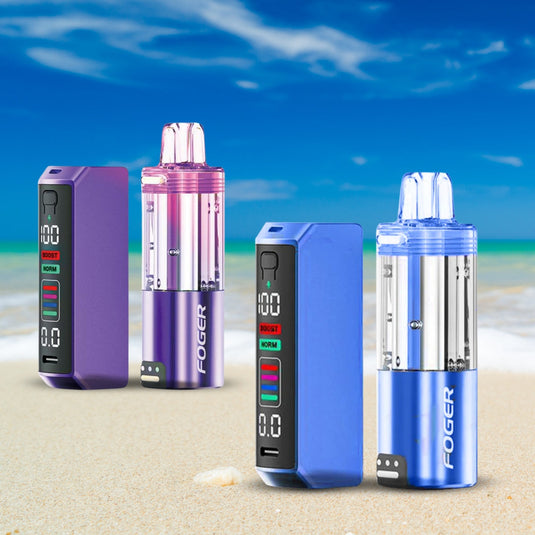
What to look for:
- Foger Switch Pro: The OLED display on the battery dock will show the charge percentage. A fully dead dock can take a few minutes to register before displaying anything.
- Foger Bit 35K: The screen will show a charging icon with a lightning bolt. If no icon appears after 5 minutes, try a different cable.
- If the Foger battery not working issue persists after 45 to 60 minutes of charging, move on to the connection troubleshooting step below.
Shop the Foger range
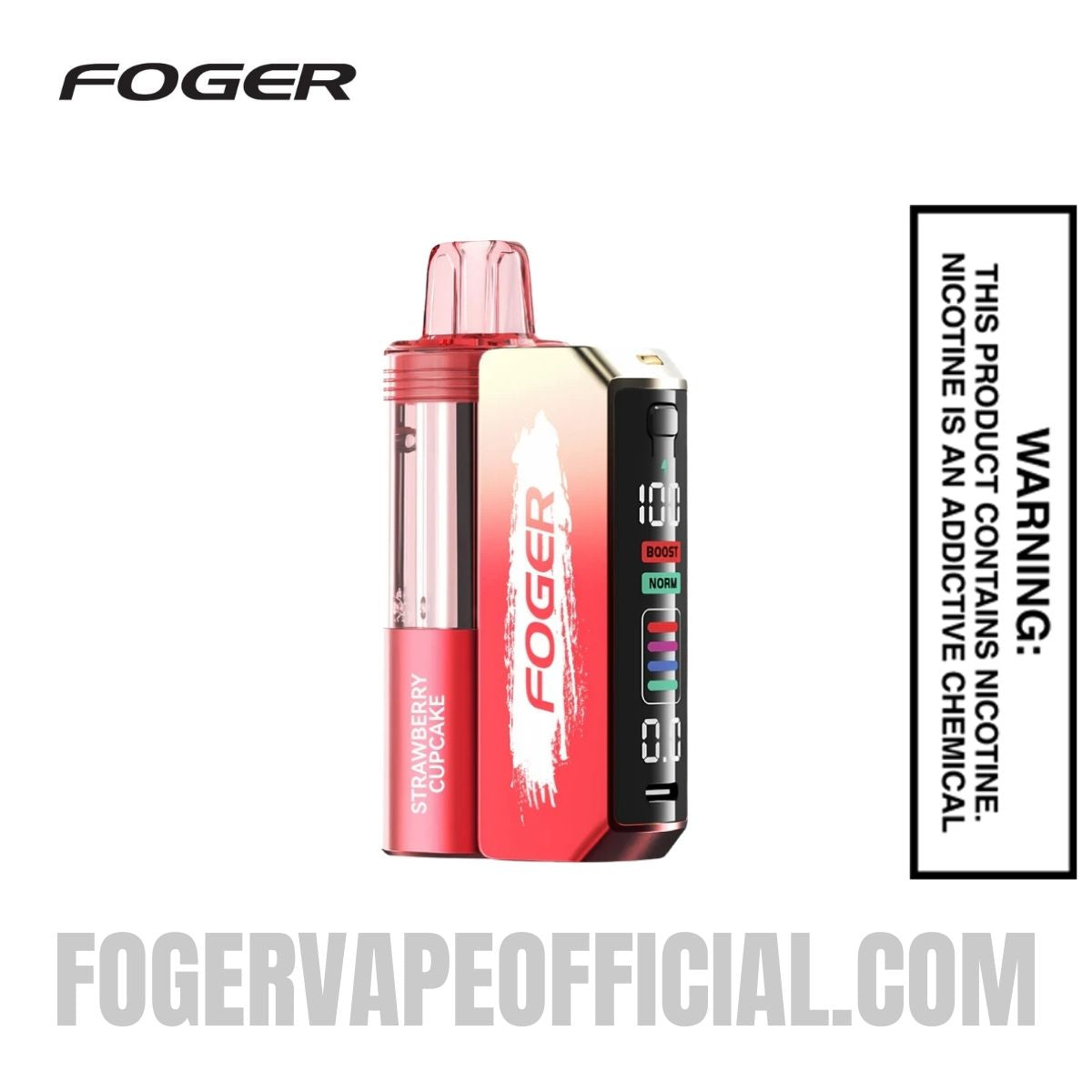 Strawberry Cupcake Switch Pro Kit$24.99
 Watermelon Bubble Gum Switch Pro Kit$24.99
 Coffee Switch Pro Kit$24.99
 Skittles Cupcake Switch Pro Pod$18.99Coffee Switch Pro Kit$24.99
 Watermelon Ice Switch Pro Kit$24.99
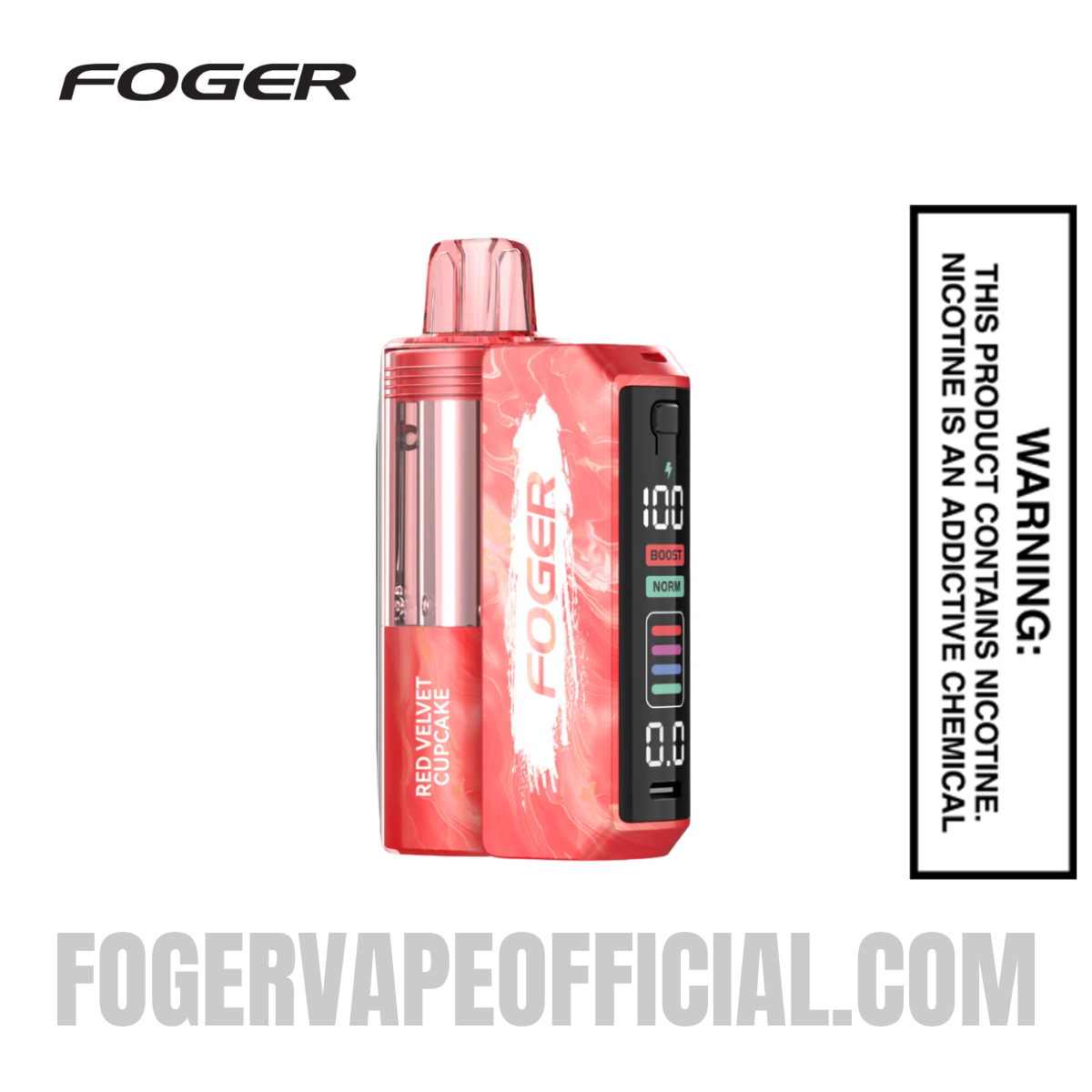 Red Velvet Cupcake Switch Pro Kit$24.99
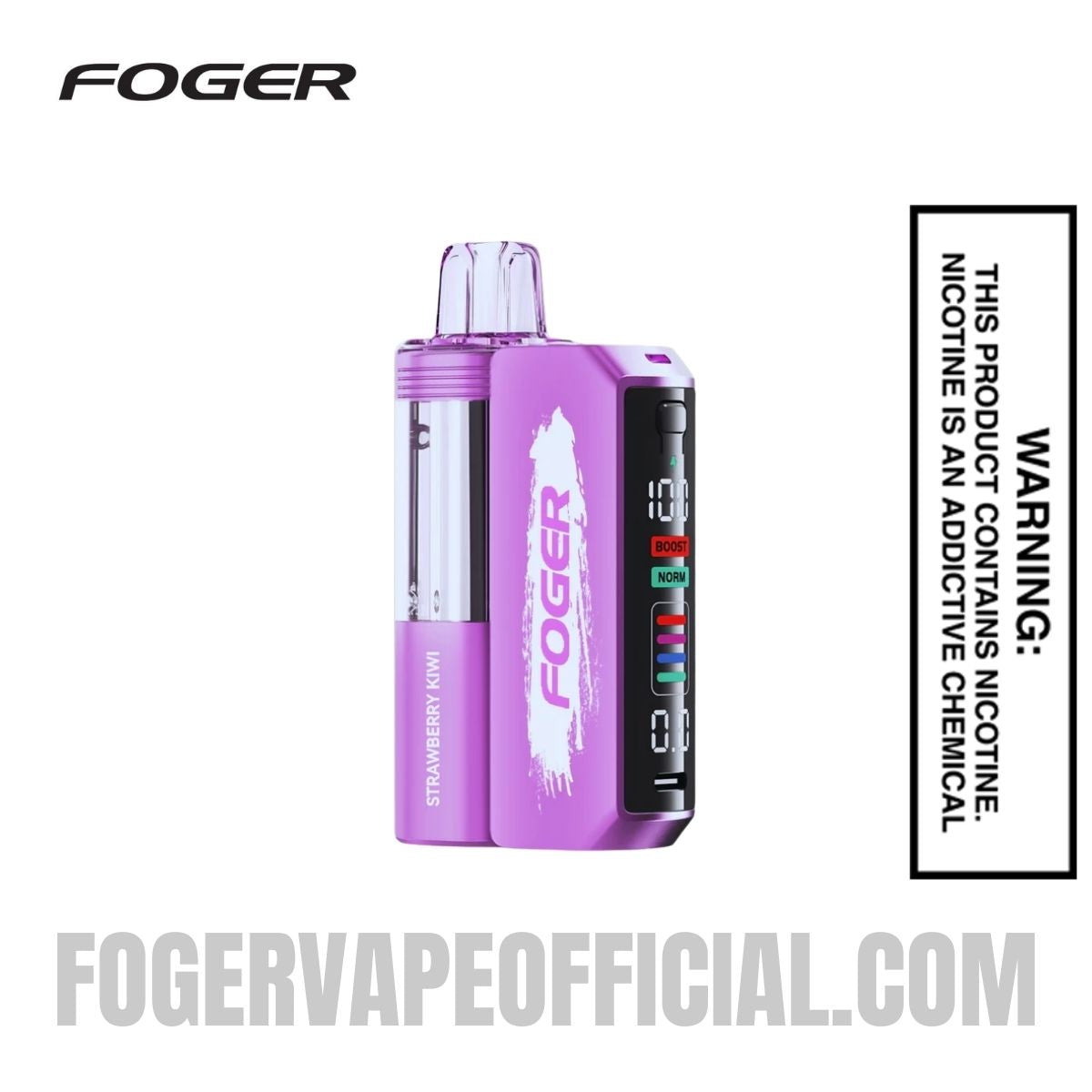 Strawberry Kiwi Switch Pro Kit$24.99
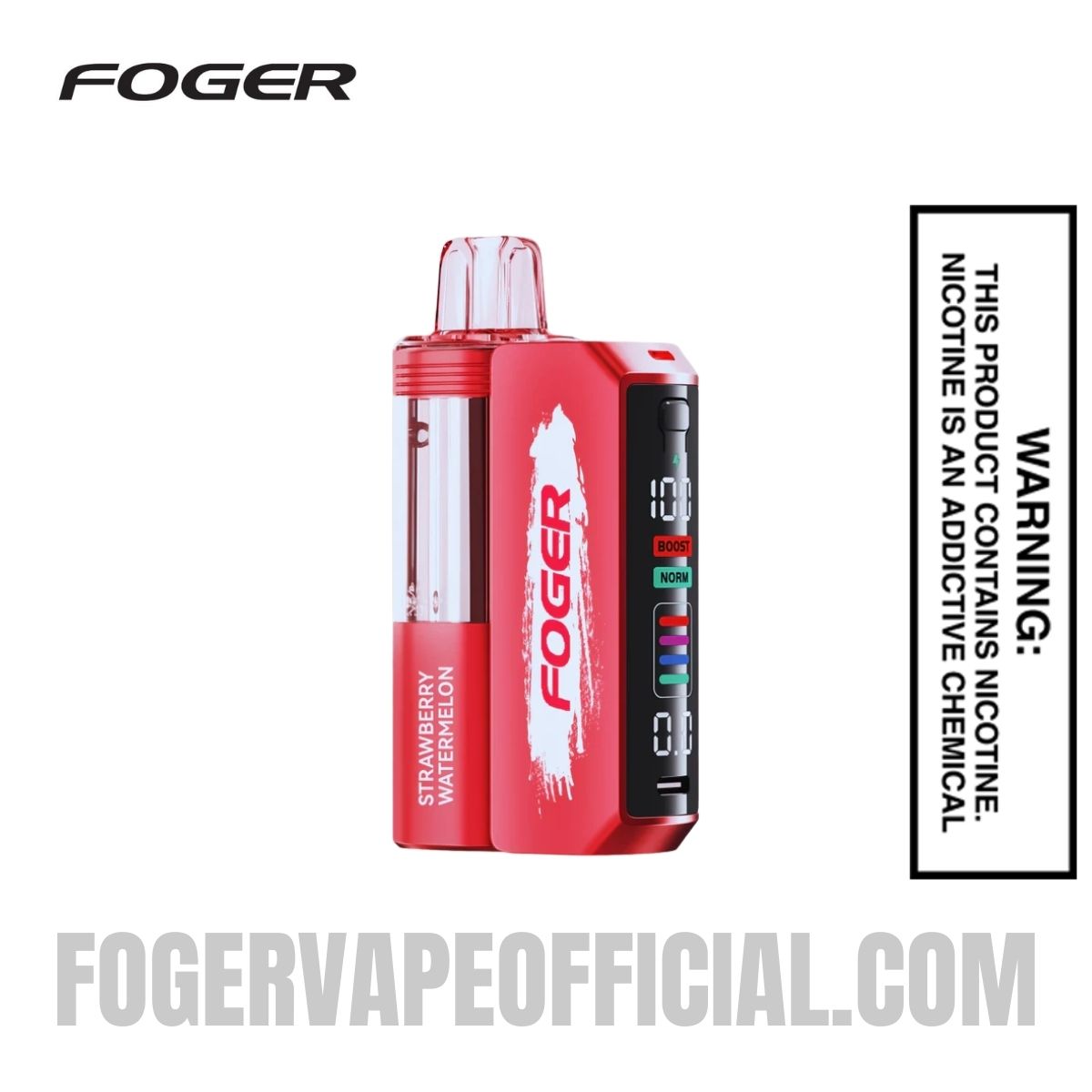 Strawberry Watermelon Switch Pro Kit$24.99
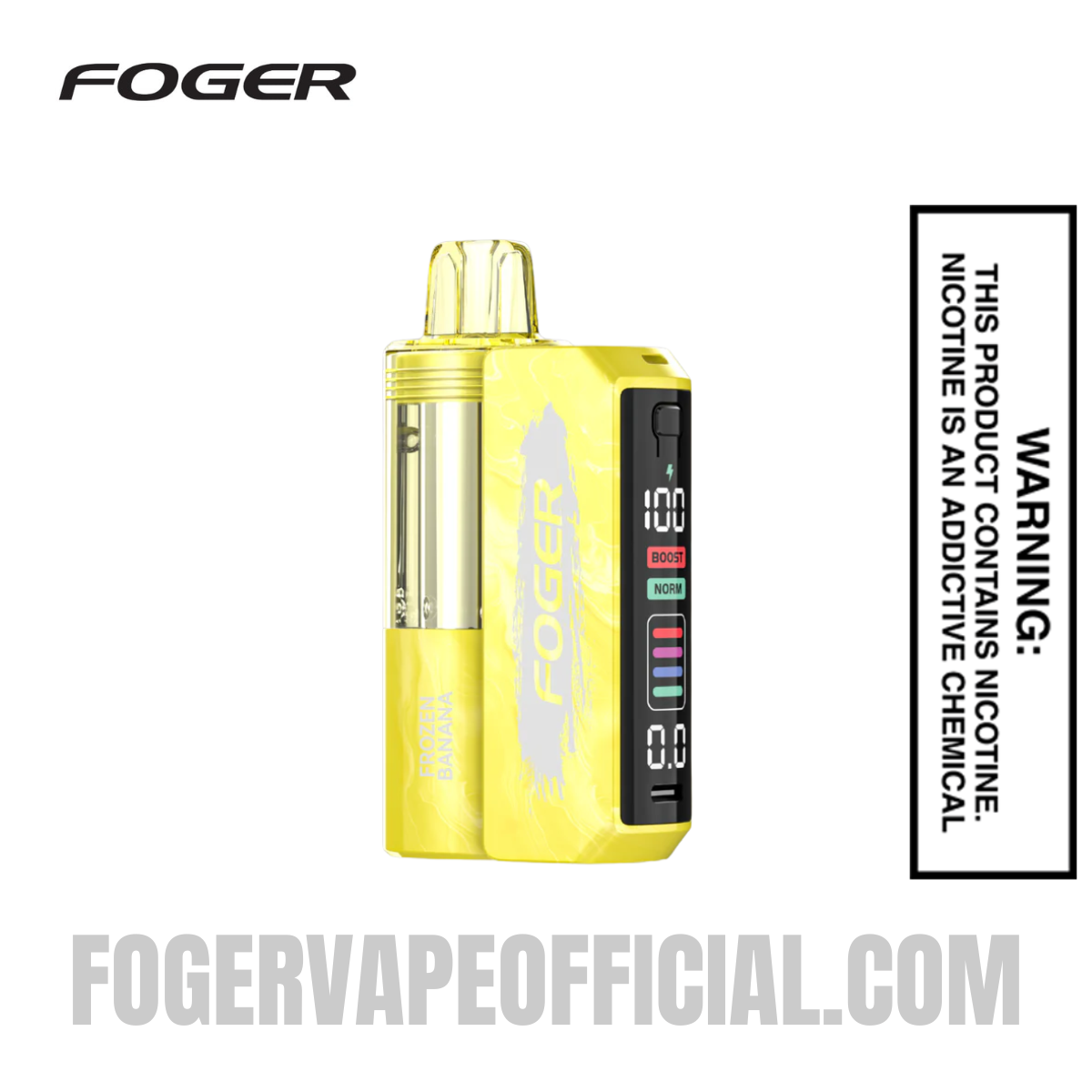 Frozen Banana Switch Pro Kit$24.99
 Blueberry Watermelon Switch Pro Kit$24.99
 Blue Razz Ice Switch Pro Kit$24.99
Step 2: Clean and Reconnect the Pod Connection (The #1 Fix)
If your battery is charged but the device is still not firing, the connection between the pod and the battery dock is the most likely culprit. E-liquid residue and pocket lint collect on the small metal contact pins, breaking the electrical connection without any visible warning.
Shop Foger Bit 35K flavors
 Georgia Peach Bit 35K$23.99
 Banana Taffy Freeze Bit 35K$23.99
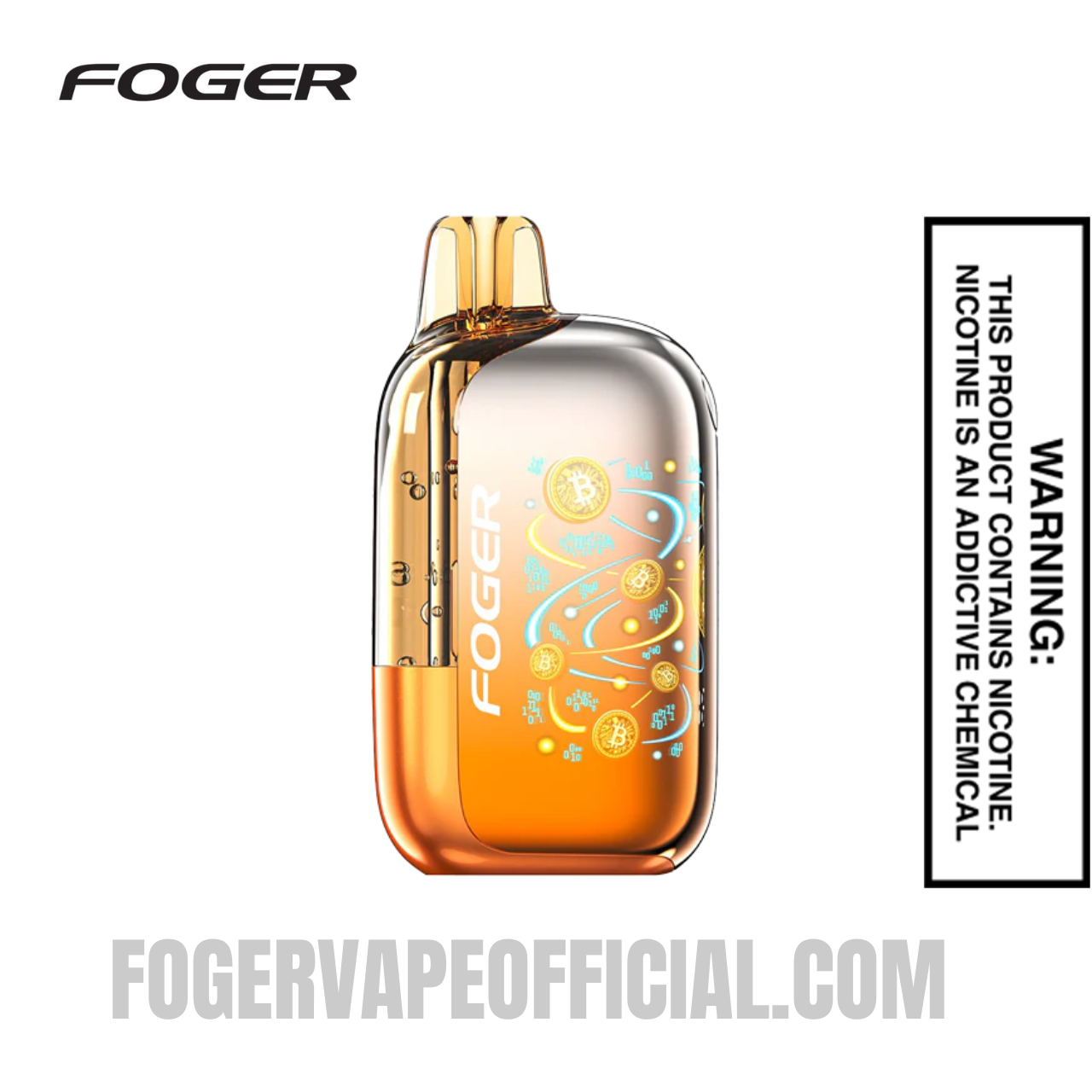 Sour Mango Pineapple Bit 35K$23.99
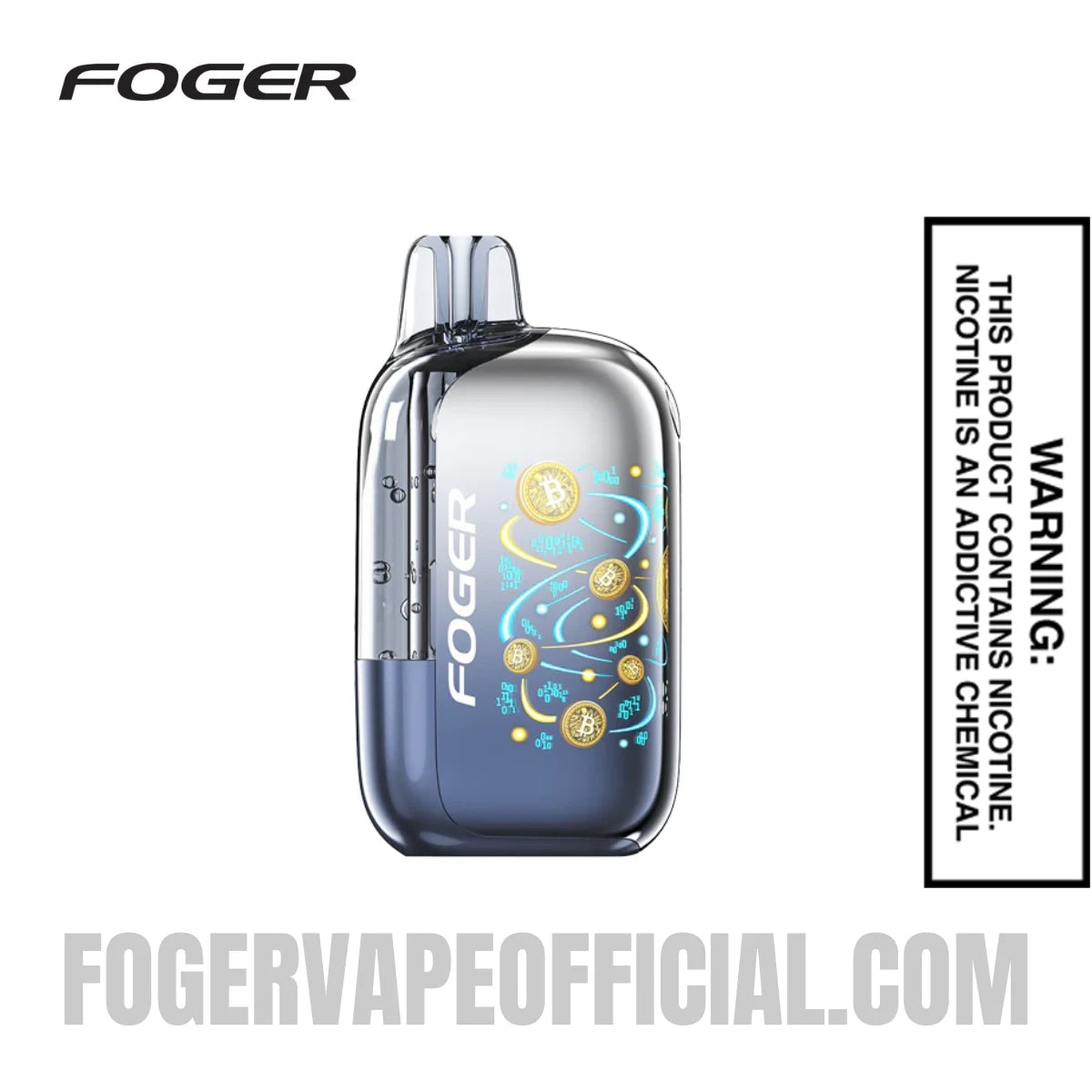 Fcuking FAB Bit 35K$23.99
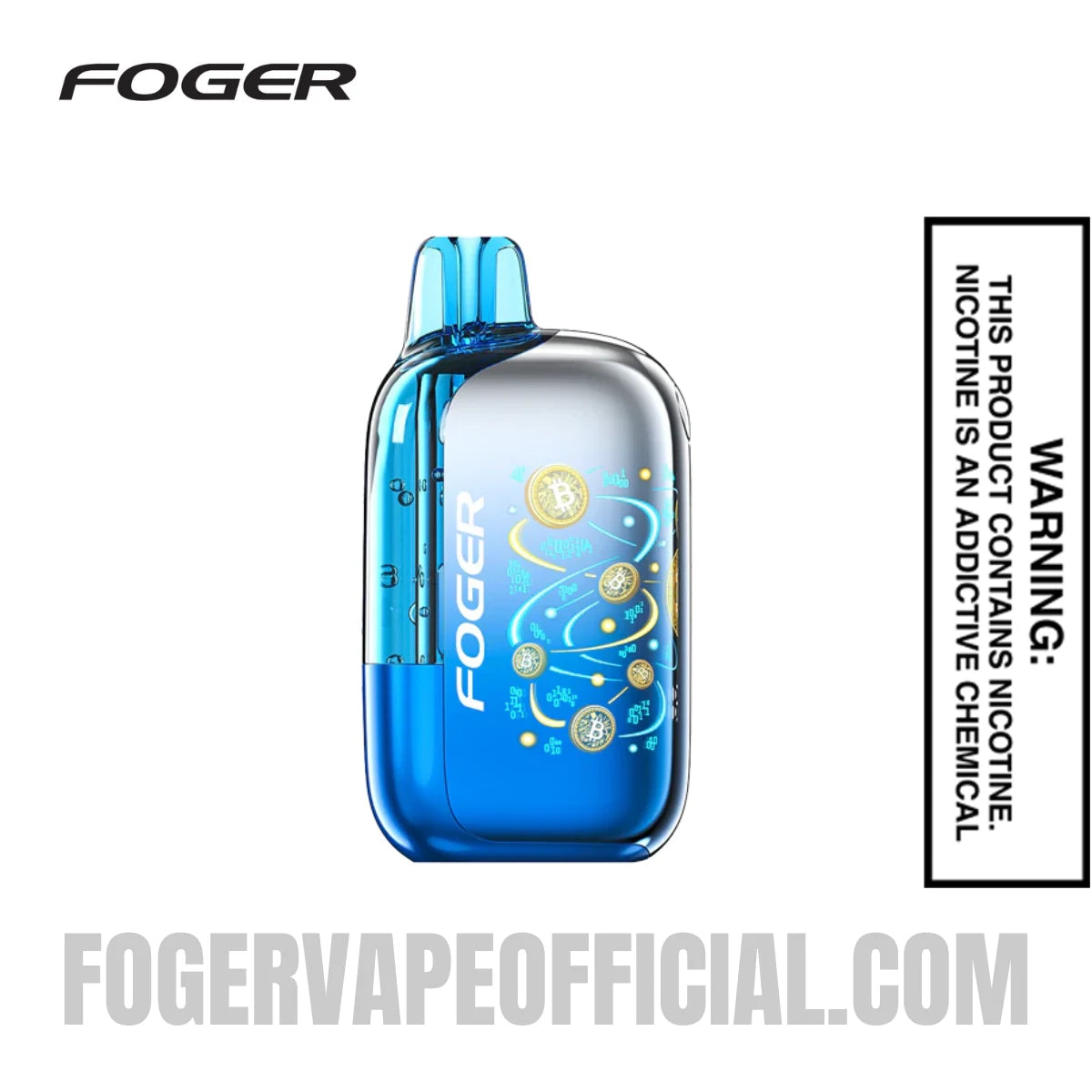 Blue Razz Ice Bit 35K$23.99
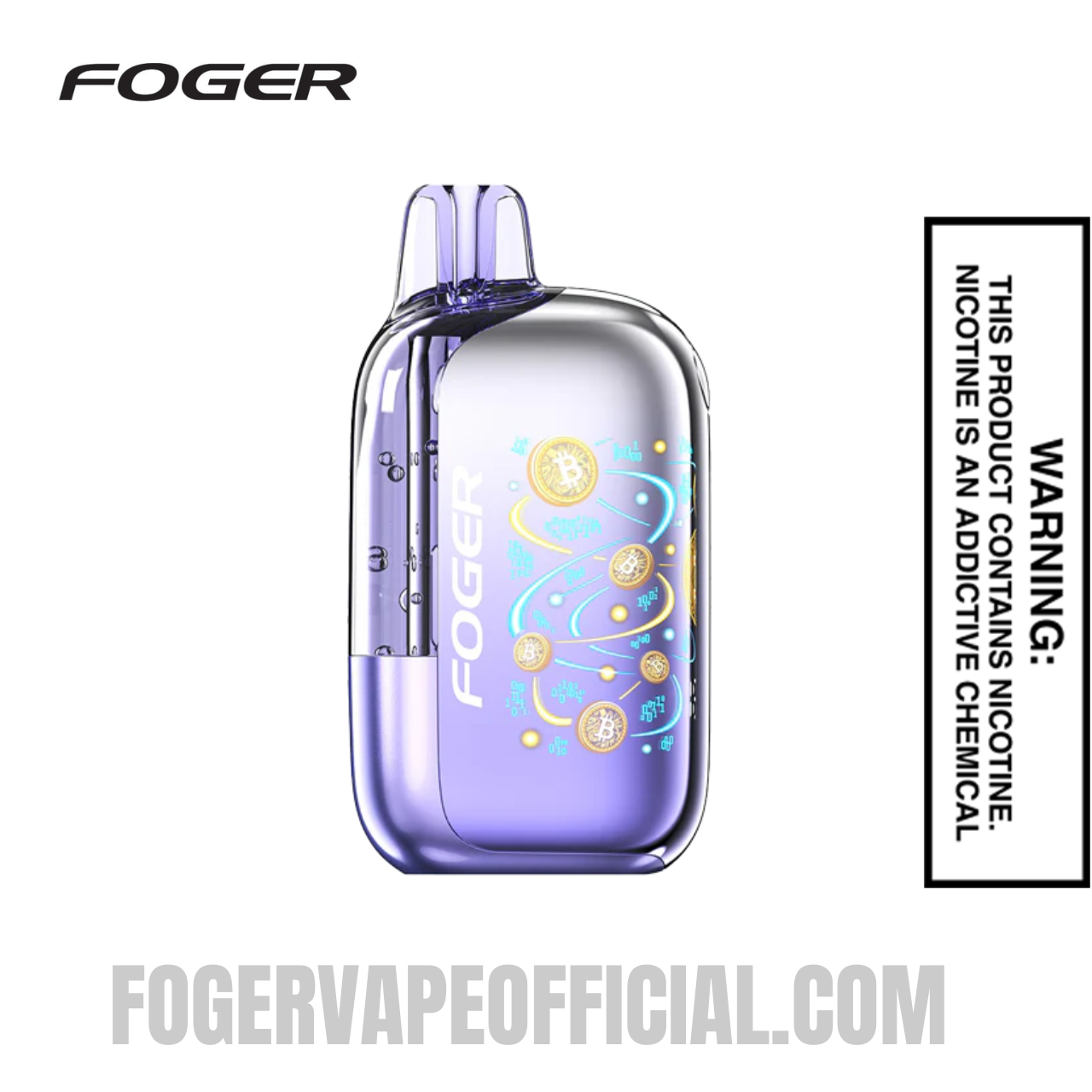 White Peach Raspberry Bit 35K$23.99
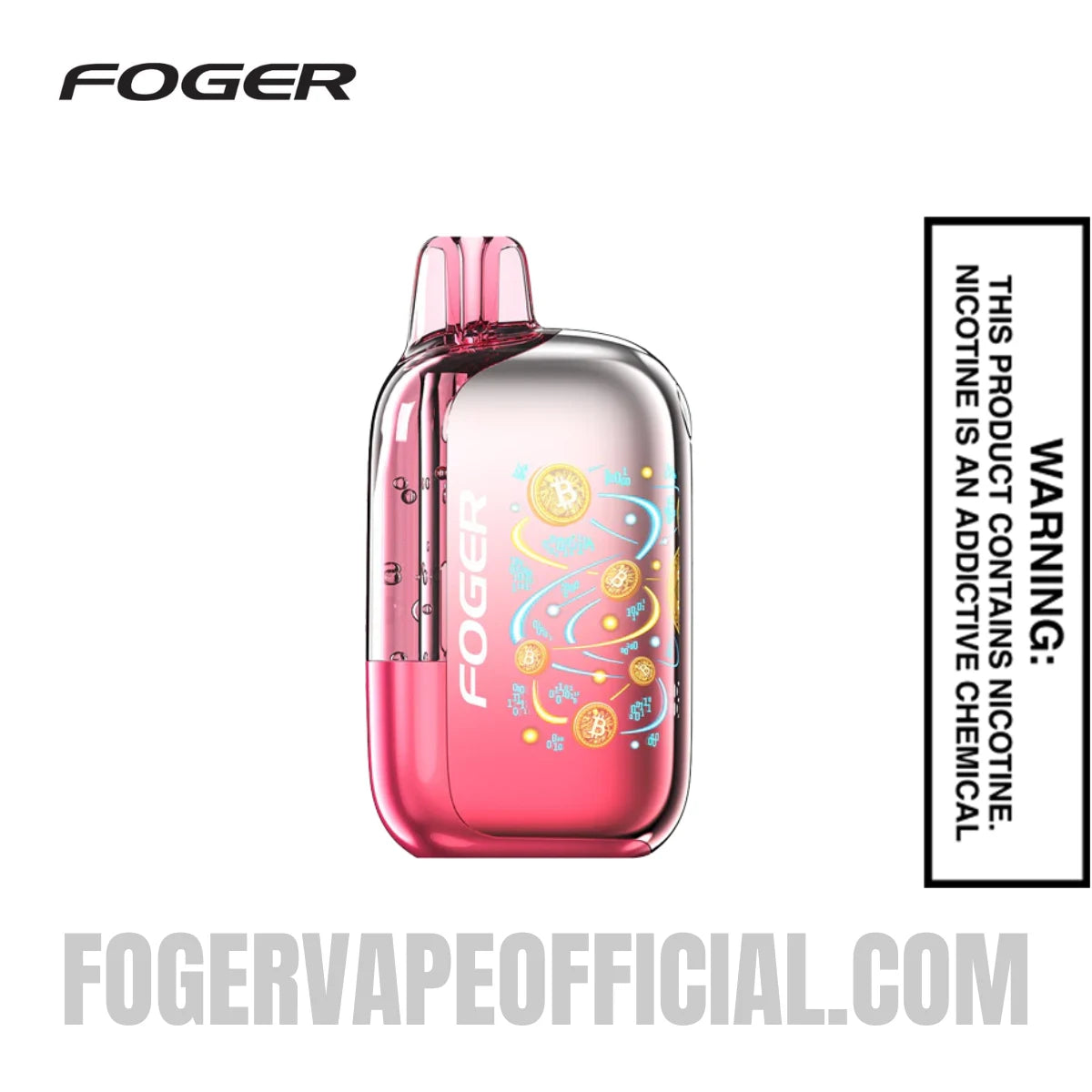 Strawberry Burst Bit 35K$23.99
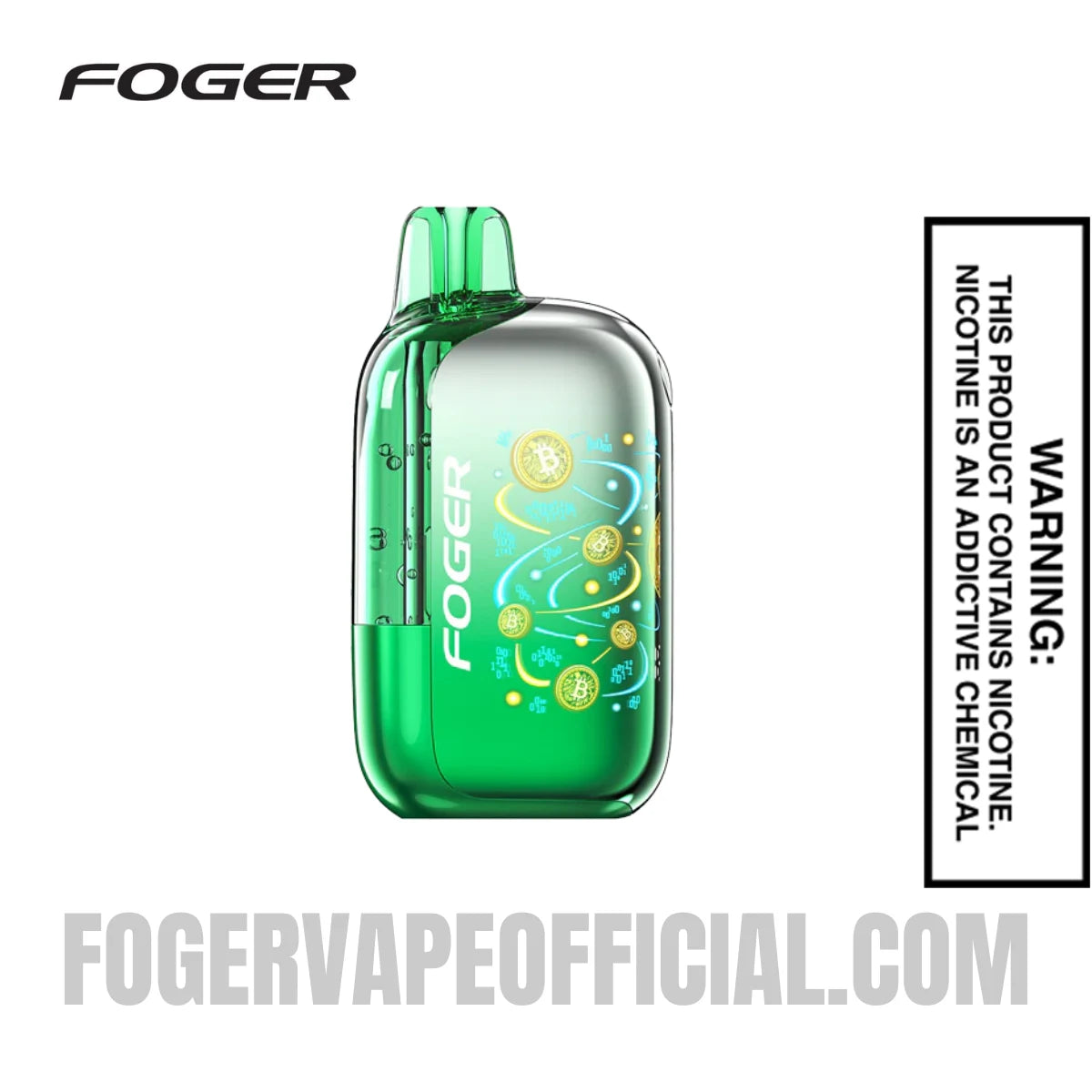 Wintergreen Bit 35K$23.99
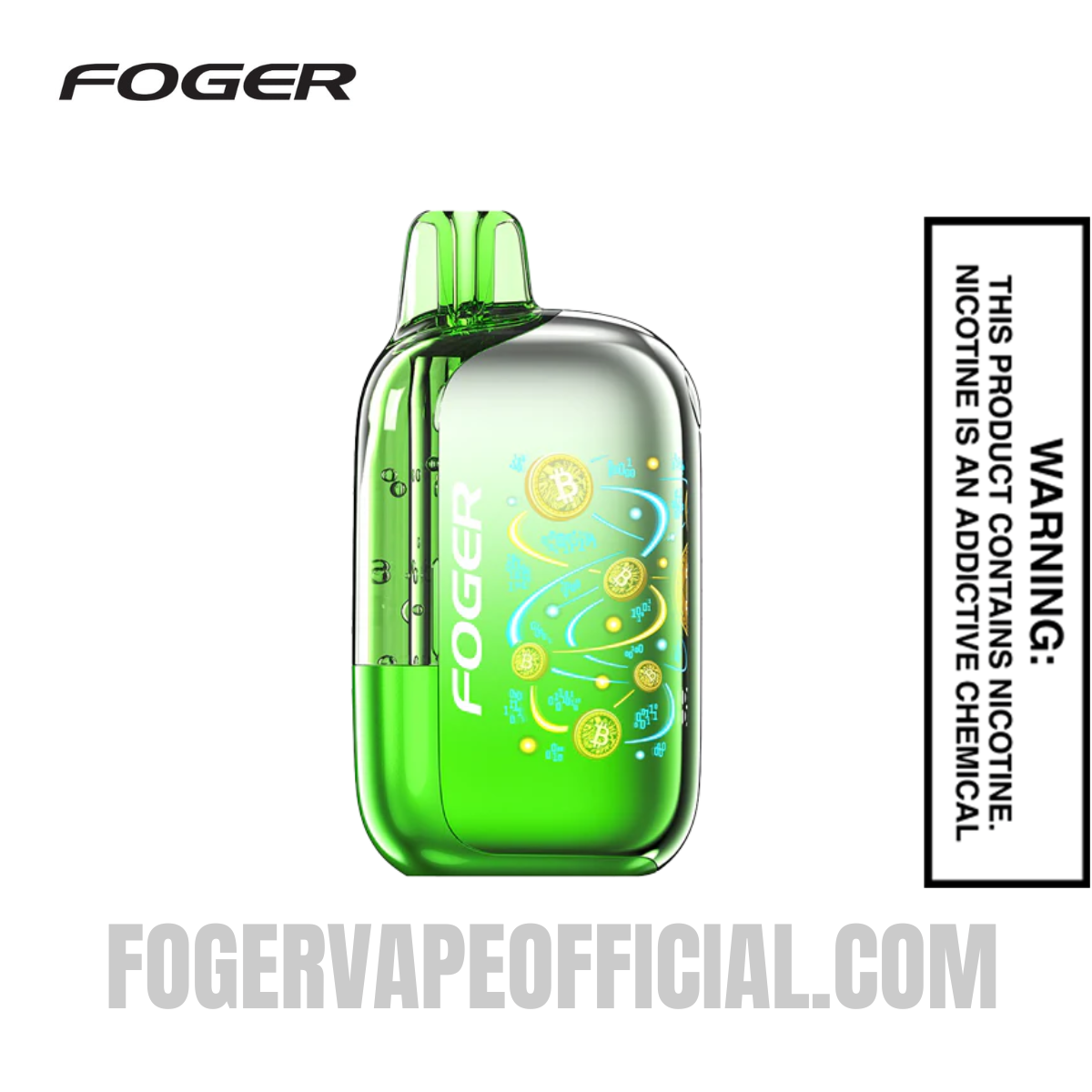 Passion Kiwi Bit 35K$23.99
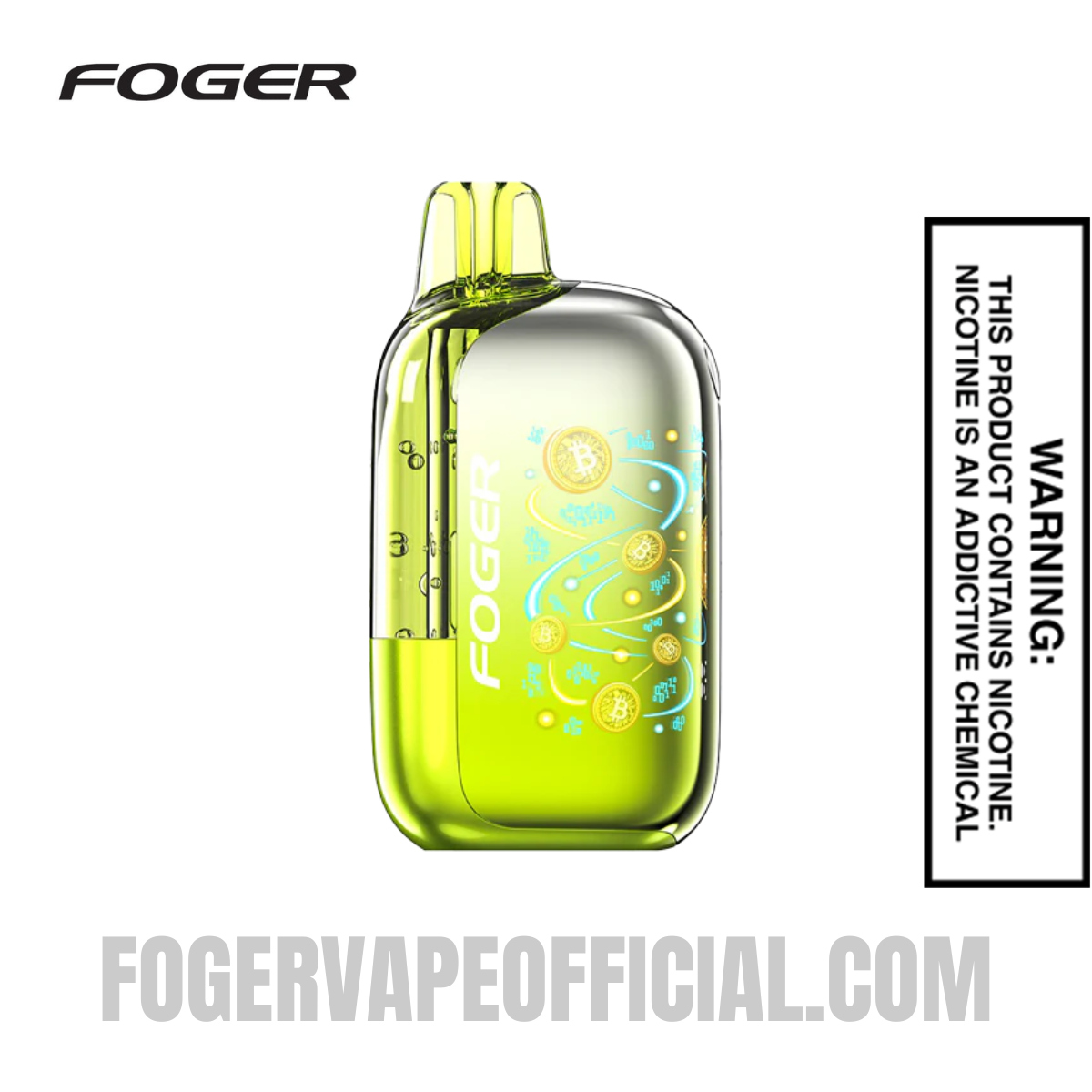 Sour Apple Watermelon Bit 35K$23.99
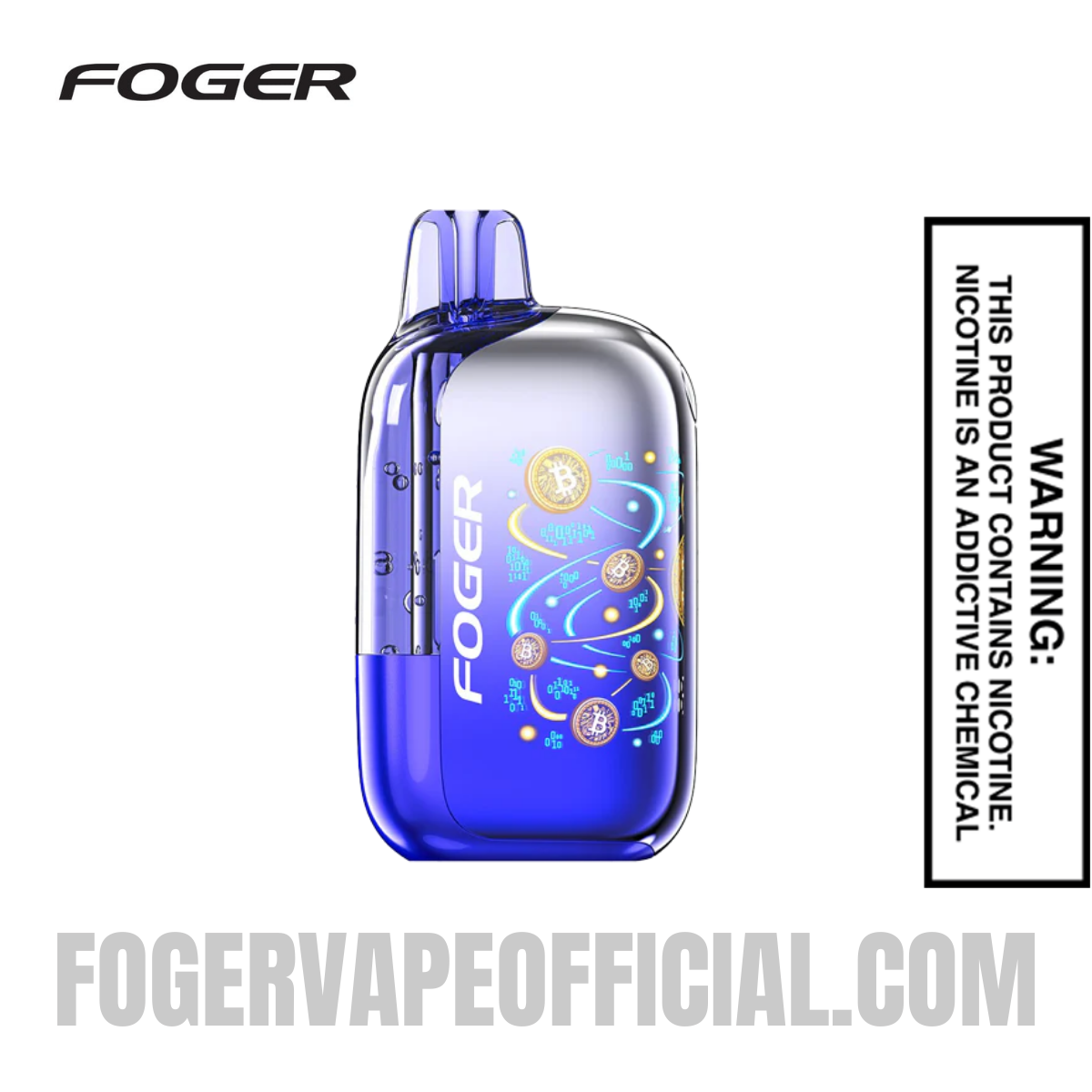 Sour Blackberry Gush Bit 35K$23.99
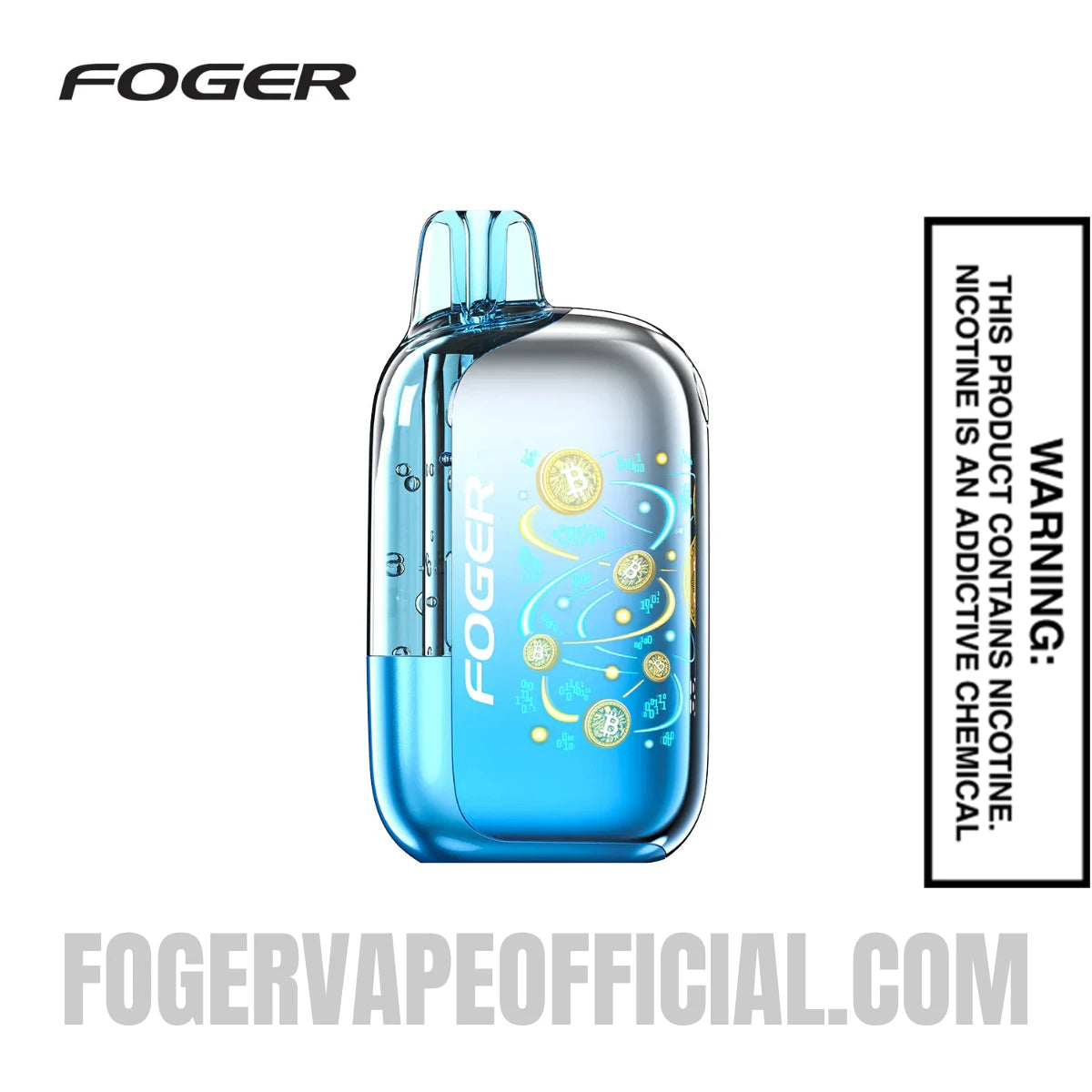 Cool Mint Bit 35K$23.99
How to clean and reseat the pod:
- Detach the pod from the Fogger battery dock.
- Use a dry cotton swab or a clean, lint-free cloth to gently wipe the gold contact pins on both the pod base and the dock.
- Reattach the pod firmly until you feel the magnetic snap and the dock screen activates.
- Try taking a draw. If the OLED screen lights up but no vapor comes, move to the airflow section.
This fix alone resolves the majority of cases where users report my Foger vape not working despite a full charge.
Step 3: Fix a Clogged or Blocked Airflow
A blocked airflow sensor is one of the top reasons why my Foger Vape is not hitting, even when the battery is full, and the connection is solid. Both the Switch Pro and Bit 35K use draw-activated sensors, so any blockage in the airflow path prevents the device from detecting your inhale.
Quick airflow fixes:
- Remove the transparent airflow sticker on the bottom of the device if you just unboxed it. This is the most overlooked setup step.
- Blow gently but firmly into the USB-C charging port at the bottom of the device to clear dust or condensation from the internal sensor.
- Check that your fingers are not accidentally covering the airflow intake vents during a draw.
- If the pod is making a gurgling or bubbling sound, hold the device upright, remove the pod, place a paper towel over the mouthpiece, and flick the pod sharply downward three to five times to clear flooded e-liquid from the coil channel.
Step 4: Decode Your LED Blink Signals
Your Foger Vape's LED display communicates problems through specific blink patterns. Learning these signals eliminates the guesswork when your device is misbehaving.
|
LED / Display Signal |
What It Means |
Fix |
|
10 rapid flashes |
Short circuit or poor pod connection |
Clean contact pins, reseat the pod |
|
3 to 5 flashes |
Low battery voltage |
Charge immediately with a 5V/1A adapter |
|
Steady blink then shuts off |
Overheating protection triggered |
Rest the device for 10 to 15 minutes in a cool place |
|
No lights at all |
Battery is completely drained |
Charge for at least 45 minutes before testing |
|
Continuous firing without drawing |
Auto-firing (stuck sensor or internal short) |
See Auto-Firing section below |
Foger Bit 35K Not Working? Model-Specific Fixes
If your Foger bit 35k not working situation persists after general troubleshooting, there are a few model-specific issues worth checking.
- Airflow Sticker: The Bit 35K ships with a transparent protective sticker over the airflow vents on the bottom. New users frequently miss this. If the device never fired from day one, check the underside and remove any sticker covering the air intakes.
- Mode Settings: The Bit 35K has two modes, Eco Mode (35,000 puffs, smooth output) and Boost Mode (25,000 puffs, stronger hit). If flavor or vapor feels unexpectedly weak, press the side button to switch to Boost Mode. If the screen shows "Boost" but the output is still weak, it may indicate a depleted e-liquid pod.
- Screen Not Responding: If the Bit 35K screen is black and the device does not respond to charging, the battery may be fully discharged. Leave it plugged in for at least 30 to 45 minutes on a low-wattage charger before concluding the device is faulty.
- Charging Port Lint: The Bit 35K uses a USB-C port directly on the device body. This port collects pocket lint quickly. Use a dry wooden toothpick to gently clear the port before inserting the charging cable.
Why Does My Foger Vape Taste Burnt?
A burnt or dry hit means the cotton wick inside the coil does not have enough e-liquid saturating it before the coil fires. This is nearly always caused by one of two things: chain-vaping without breaks or a nearly empty pod.
- Let the device rest for 60 seconds between puffs. This allows the wick to reabsorb e-liquid between draws.
- Check the e-liquid level on the OLED screen (Switch Pro) or look through the transparent tank window (Bit 35K). If the liquid is at or near zero, replace the pod rather than continuing to draw on an empty coil.
- Do not chain-vape in Boost Mode. The higher power output depletes the wick faster. Switch to Eco Mode or Normal Mode for extended sessions.
What to Do If Your Foger Is Auto-Firing
Auto-firing means the device activates without any draw, which can be a device malfunction caused by a stuck airflow sensor or an internal short circuit. If your Foger is firing on its own, act immediately.
- Blow firmly into the mouthpiece to clear any blockage in the airflow sensor.
- Move the device to a cool environment. Heat can cause sensor misfires.
- For Switch Pro users, detach the pod from the battery dock immediately to interrupt power.
- If the firing continues after reattaching the pod, the device should be safely disposed of according to your local e-waste guidelines. Do not leave an auto-firing device unattended.
How to Reset Your Foger Vape
If general troubleshooting does not resolve the issue and your Foger Vape is still not working, a soft reset of the device's internal chip can help.
- Ensure the battery dock has at least 50% charge.
- Remove the pod from the battery dock.
- If your model has a side button, press it five times rapidly to power the dock off.
- Let it sit for 60 seconds, then press the button five times again to power back on.
- Reattach the pod and test.
Foger Bit 35K devices do not have a dedicated reset function. For the Bit 35K, a full charge cycle followed by a pod reseat is the equivalent of a soft reset.
Still Not Working? Here Is What to Do Next
If you have worked through every step in this guide and the device is still unresponsive, there are two remaining paths.
- Physical or water damage: If your Foger was dropped hard, submerged, or exposed to extreme heat, there may be internal damage that is not fixable at home. Inspect the device for visible cracks, a cracked screen, or e-liquid residue inside the dock port.
- Faulty out of the box: Some devices arrive faulty, which is rare but does happen. Foger Vape Official offers a 30-day warranty on purchases made through the official store. Contact Foger support with your order details and a description of the issue for a replacement or refund.
Do not discard the device without first checking warranty eligibility. A five-minute support inquiry can save you the cost of a full replacement.
Frequently Asked Questions
Why is my Foger Vape not hitting even though the light comes on?
A: If the light activates but you get no vapor, the most common cause is a dirty pod connection or a clogged airflow sensor. Clean the contact pins with a dry swab, reseat the pod, and blow gently into the USB-C port to clear any sensor blockage. Also, confirm the e-liquid level on your screen. A near-empty pod can produce a hit-less draw.
Why is my Foger Vape not hitting after a full charge?
A: A full battery with no draw almost always points to a pod connection issue. E-liquid residue on the contact pins blocks the electrical signal even when the dock shows 100%. Clean both sets of pins and reattach the pod firmly.
My Foger vape has not been working at all since day one. Is it defective?
If my Foger vape is not working from the moment it arrived, first check for a transparent airflow sticker on the underside of the device. This is a common oversight. If the sticker is removed and the device still does not fire, it may be DOA. Contact Foger Vape Official support within 30 days for a warranty replacement.
Why does the Foger battery not work even after I plug it in?
A Foger battery not working after charging is typically caused by lint in the USB-C port, using an incompatible fast charger, or a cable that is not fully seated. Clear the port with a dry toothpick, swap to a standard 5V/1A wall adapter, and ensure the cable clicks in securely before charging.
Can I refill my Foger Switch Pro pod or Bit 35K?
No. Both the Switch Pro pod and the Bit 35K are factory-sealed closed systems. Attempting to open or refill them manually will break the vacuum seal, cause leaks, and void your warranty. For the Switch Pro, simply purchase a new replacement pod and reuse the battery dock.
How long does a full Foger Vape charge take?
A full charge on both the Switch Pro battery dock and the Bit 35K typically takes 40 to 60 minutes using a standard 5V/1A USB-C adapter. The OLED screen will show 100%, or the charging icon will stop blinking when complete. Avoid leaving the device plugged in overnight.
What should I do if my Foger Vape is auto-firing?
Auto-firing is a safety concern. Detach the pod from the battery dock immediately, blow into the mouthpiece to clear the sensor, and store the device somewhere cool. If it continues firing after reassembly, do not use it further. Dispose of the device responsibly according to local e-waste guidelines.
Quick Troubleshooting Summary
In most cases, a non-working Foger Vape can be fixed with one of four actions: charge the battery fully on a 5V/1A adapter, clean and reseat the pod, clear a blocked airflow sensor, or replace an empty pod. For Foger Bit 35K not working situations, also check for the airflow sticker and mode settings. If none of these steps resolve the issue, reach out to Foger Vape Official support before discarding the device. Most problems have a simple fix, and warranty replacements are available for genuine defects.
Have more questions related to Foger Vape Flavors? Contact our support team via email at support@FogerVapeOfficial.com to get answers. The Foger Vapes Expert Support Team will be happy to assist you. To learn more about Foger Vapes, visit our blog section and get all your questions resolved.